The Learn hub

Practical guidance for immersive learning.

Explore videos, articles, podcasts, and resources about virtual reality in education—written for the decisions schools need to make today.

Explore the library

Learning, thoughtfully organized.

Showing 93 resources

Format
VIDEO
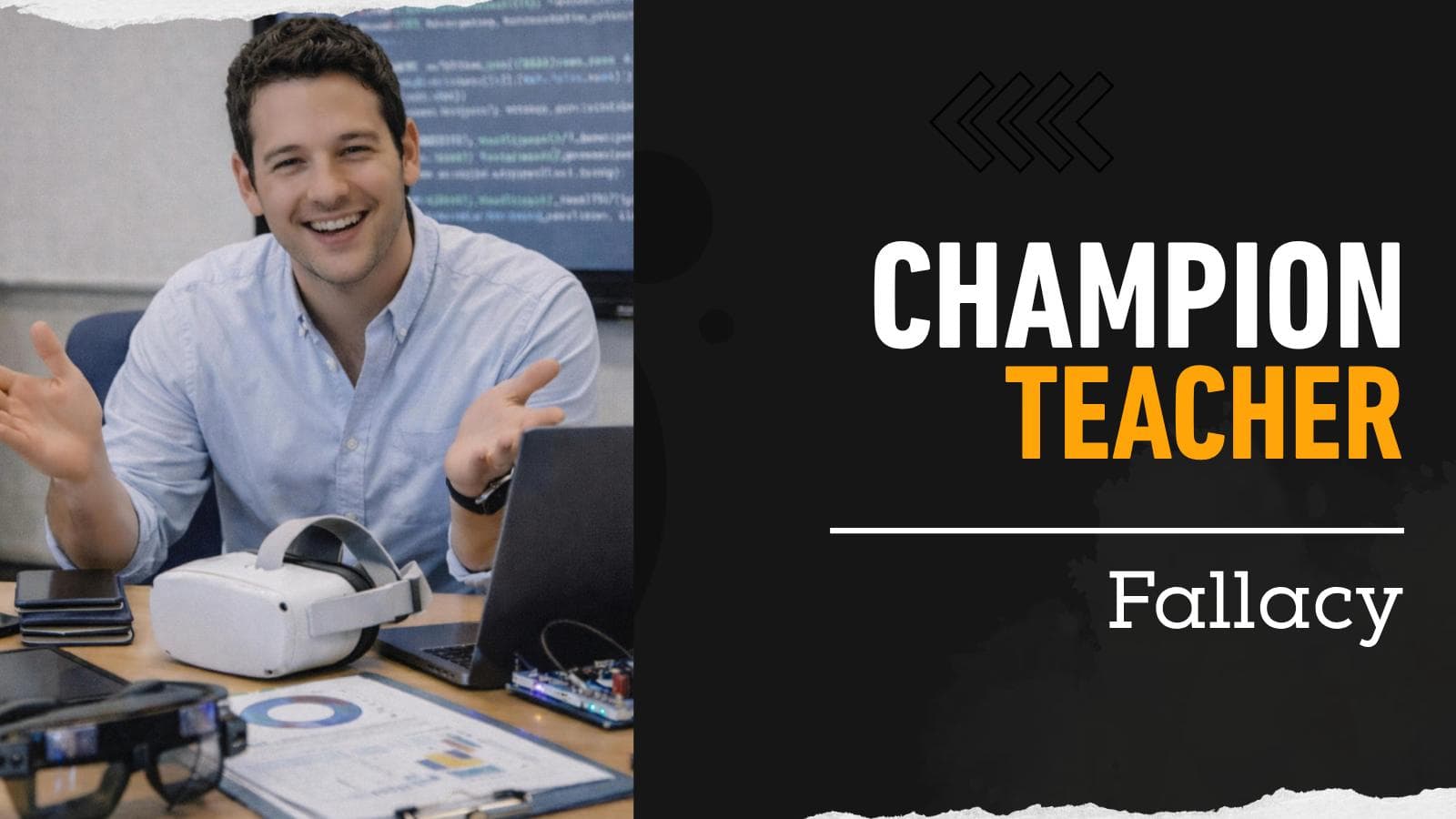
The Champion Teacher Fallacy00:52

Immersive Learning

VR Champion Teacher Fallacy

Many VR systems in education depend on one enthusiastic, tech-savvy teacher to keep everything running. That person becomes the trainer, the scheduler, the troubleshooter, and eventually, the system itself. That is the Champion Teacher Fallacy.

Watch video
VIDEO
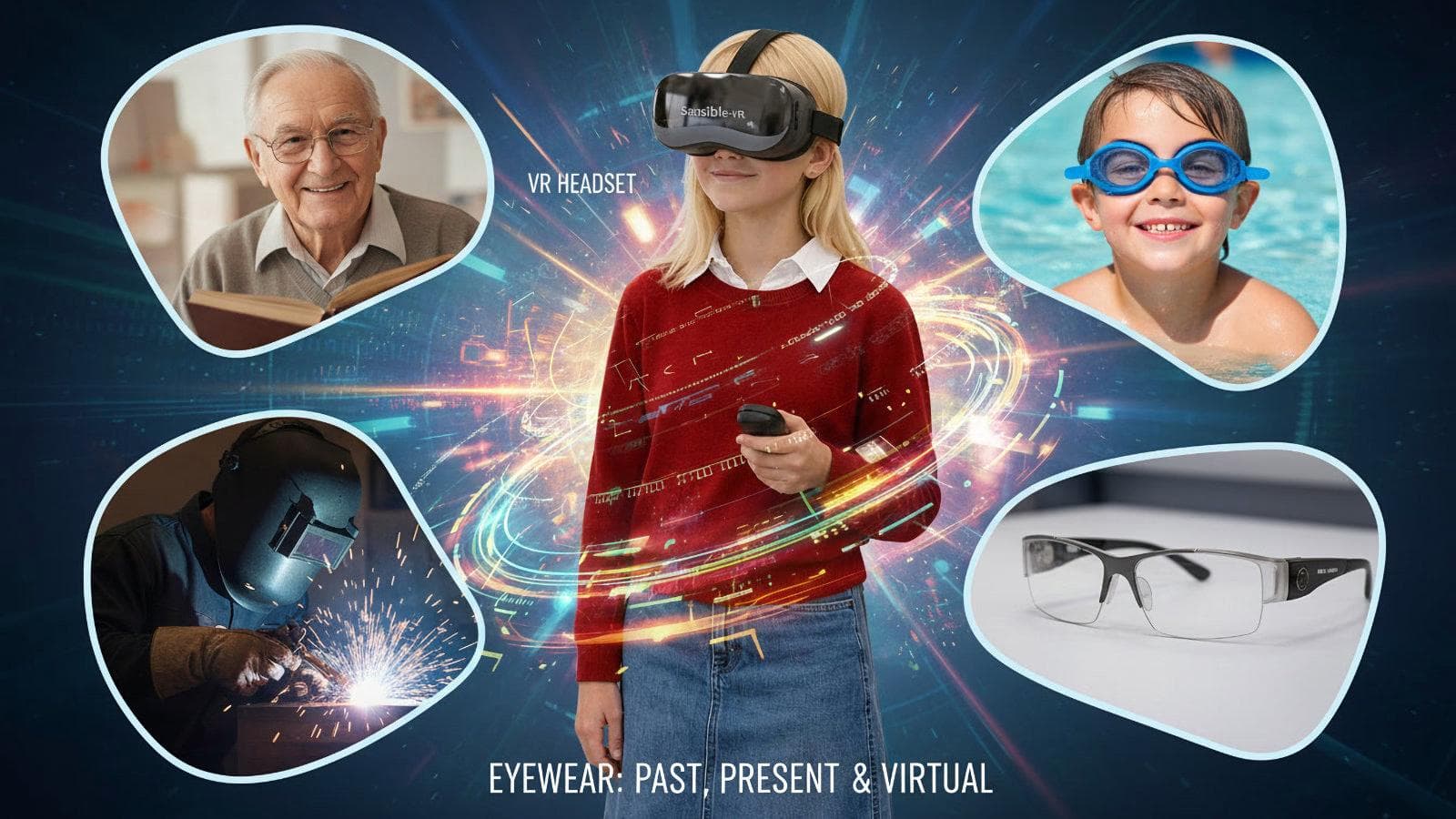
It's not goggles, glasses, or visor... it's a VR headset00:31

Sensible-VR

Not goggles

Stop calling it goggles. VR? VR removes the real world—on purpose. That’s the whole point.

Watch video
VIDEO
01:16

Sensible-VR

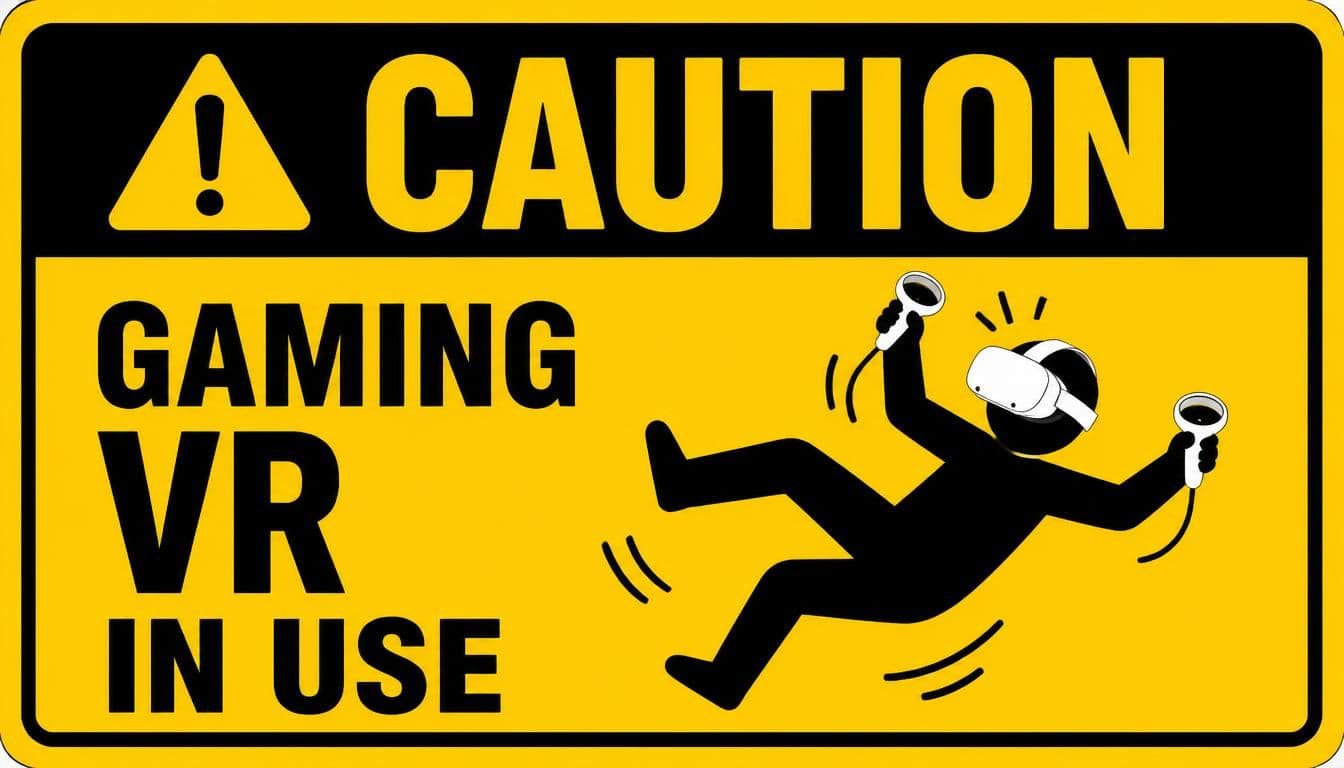
6DoF Fails for Education and Learning Environments

Adding unnecessary movement into a learning environment, classroom or factory, has the potential to incur more costs. These must be understood, and accounted for. This is NOT a shot against VR in education. It is a welcoming of all discussion.

Watch video
VIDEO
1:54

Virtual Reality in Education

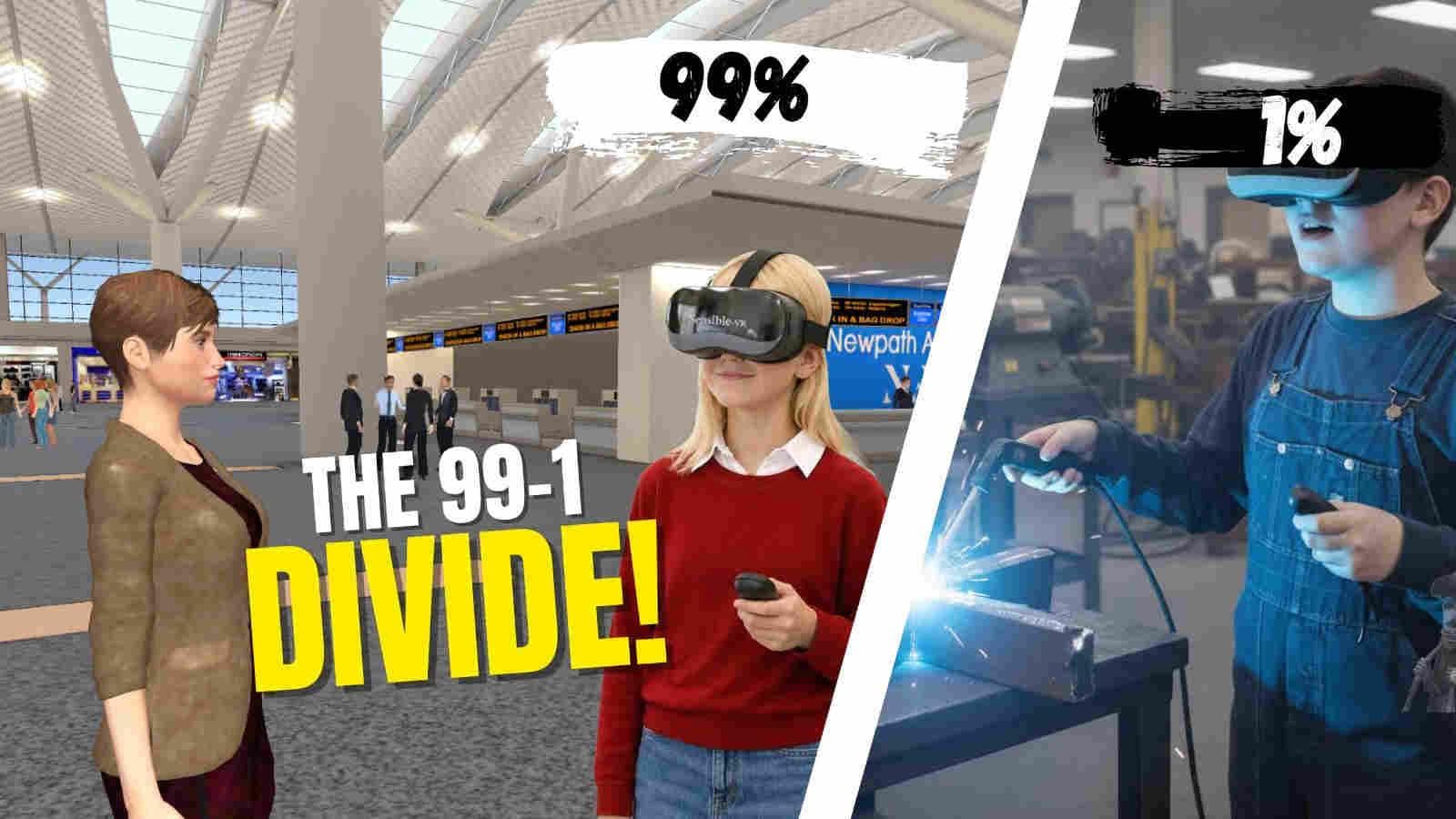
The 99/1 Divide - VR in Education

Looking at occupations where precise hand movement is genuinely central to training—such as surgery, dentistry, welding, and certain precision trades—the requirement represents only a very small portion of the workforce. Even when we broaden the definition generously, it comes to roughly 1%.

Watch video
VIDEO
Telemetry1:04

VR Privacy, Safety & Student Data

Telemetry - What Does Your Headset Know?

In education, useful telemetry can be simple: lesson completion, assessment results, and the information a teacher actually needs to understand student progress. But a 6 DoF headset can potentially generate far more—location, biometric and behavioural data.

Watch video
VIDEO
02:08

Educational VR Content & Experiences

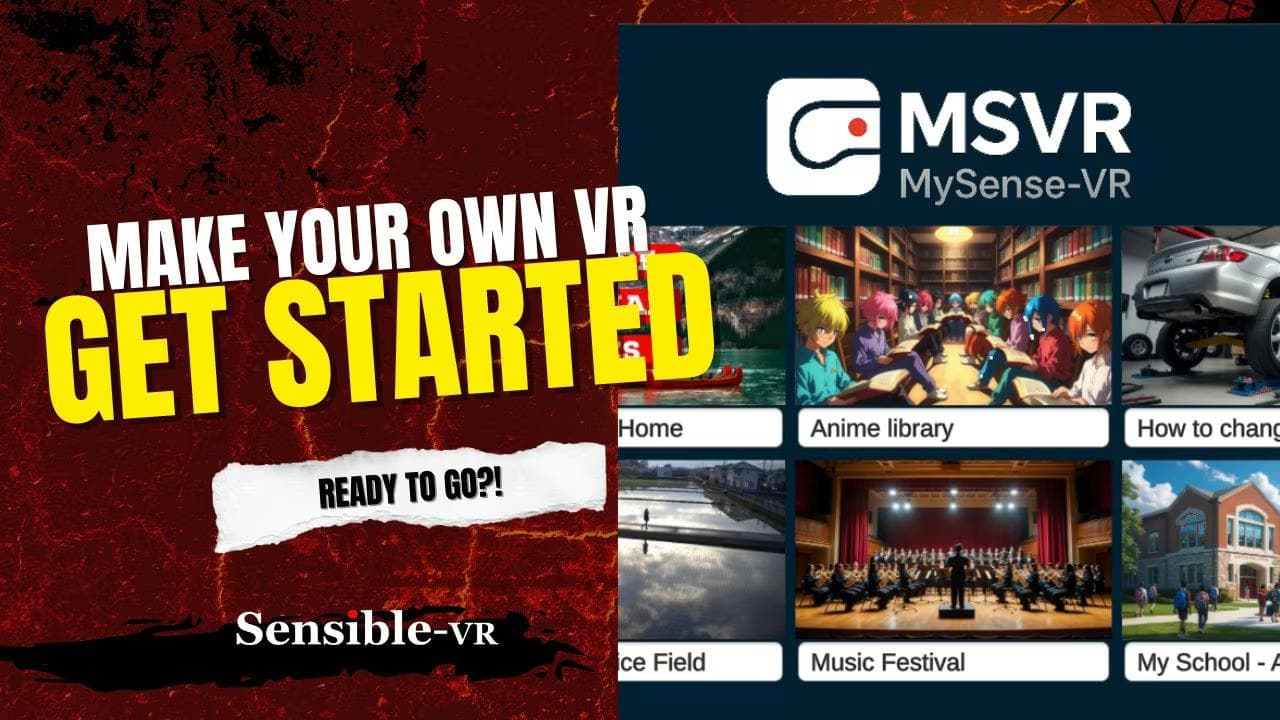
MySense-VR: Getting Started

Once the PC version has been installed on your computer, getting going is easy. Open the program and follow along with this video. Pay attention to the orange buttons which allows you to move in and out of editing/viewing modes. Have fun!

Watch video
VIDEO
05:22

Educational VR Content & Experiences

MySense-VR: 5 Minute Tutorial

Download and install MSVR on your PC. Follow along with this tutorial to quickly get up to speed on how to make your own VR projects (completely offline!). You'll be amazed at what you can build!

Watch video
VIDEO
03:23

Educational VR Content & Experiences

MySense-VR: How to Edit

Adding media files like audio (mp3), video (mp4), images (jpg/png),PDF is quite easy. Always pay attention to the orange buttons which allows you to move in and out of editing. When there are no orange buttons, you are in View mode, which allows you to understand what it will look like in headset.

Watch video
VIDEO
01:20

Educational VR Content & Experiences

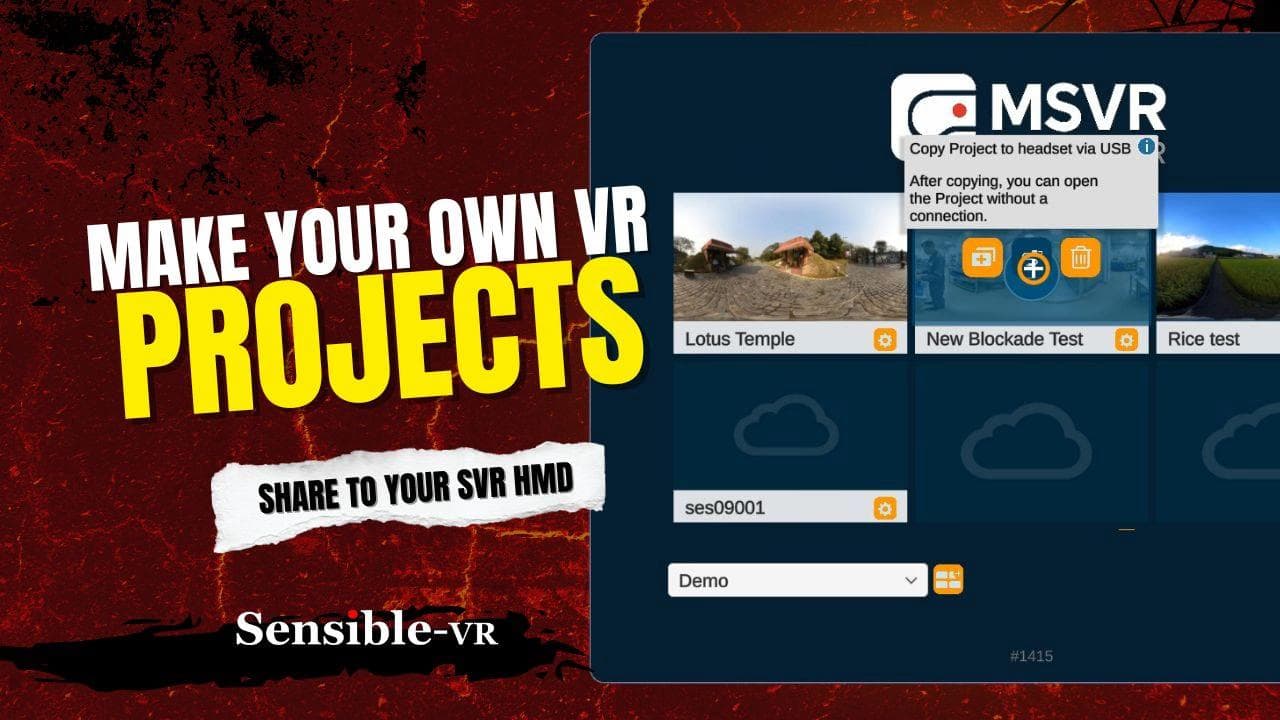
MySense-VR: Managing Projects

Individual projects are what you create, and we use portals to manage those projects. Use the orange edit button to make changes to the project image, make copies, delete, and so on. This is where you can transfer your creation onto the SVR headset (fully offline!) via USB-C cable.

Watch video
VIDEO
02:02

Educational VR Content & Experiences

SVR Hub intro

A walkthrough of the SVR Hub for accessing and organising immersive learning content.

Watch video

Keep learning

A practical question is a good place to start.

Browse the subject areas, or talk with Sensible-VR about what your school is exploring.

Talk to Sensible-VR Explore experiences